
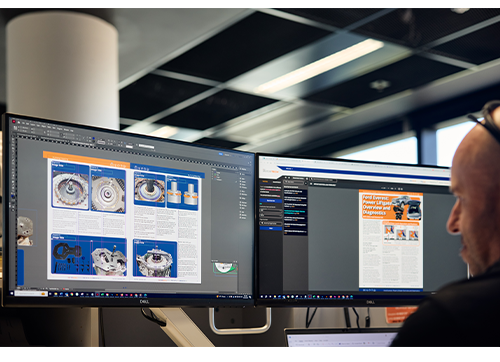

2026 is VACC TechTalk magazine’s 40th year in print and will continue, providing a trusted source of service, repair and diagnostic information to the Australian Automotive repair industry for years to come. Every past issue and article can be found within VACC MotorTech once you know where to look.
TechTalk Via Vehicle Search
Once you have logged in to VACC MotorTech, you will be able to search for the vehicle you are working on using our rego look-up feature.

Once you select your vehicle, the system will return results from the various sources of information VACC MotorTech draws on, with the second column from the left listing all the TechTalk articles relevant to your selected vehicle.
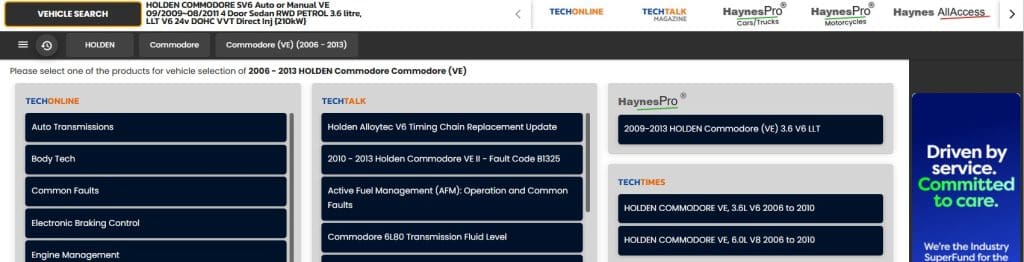
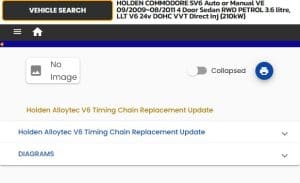
If you click on the article title in the list, it will open in a new page with two collapsed sections. Clicking on the first section will give you a brief overview of the text, or you can click on the “Diagrams” section and click the link for “PDF of article” to see the file with the article, including all of the text and images. You can then save or print the file as you need.
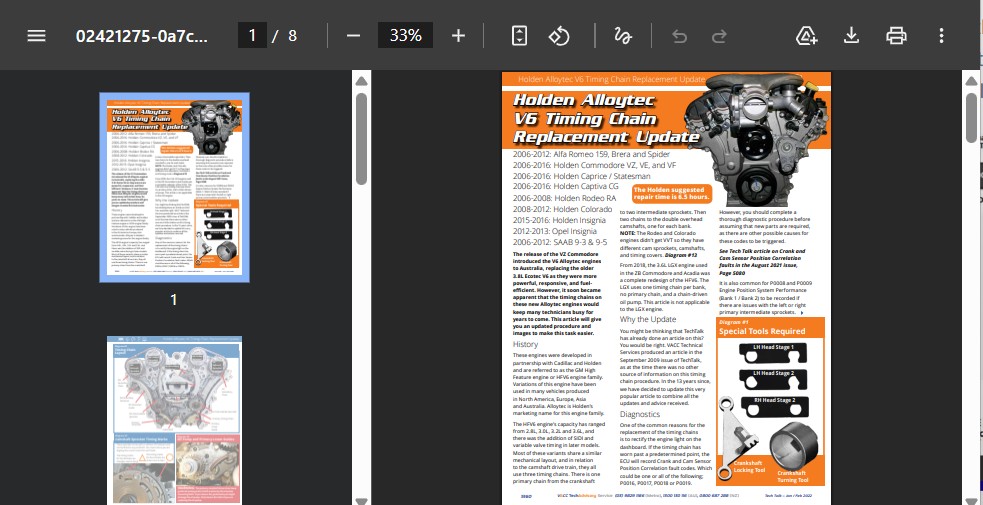
TechTalk Via Article Search
Not all TechTalk articles are assigned to a vehicle, so to search through all of the available articles, you should click on the “TechTalk Magazine” logo in the white section at the top of the MotorTech page (see image above). This will take you to the TechTalk search page.
NOTE- You might have to click the “TechTalk Magazine” logo twice, or click the home button first, then click it again.

You should now see the TechTalk Index in the middle of the screen and search options on the left (see image below).
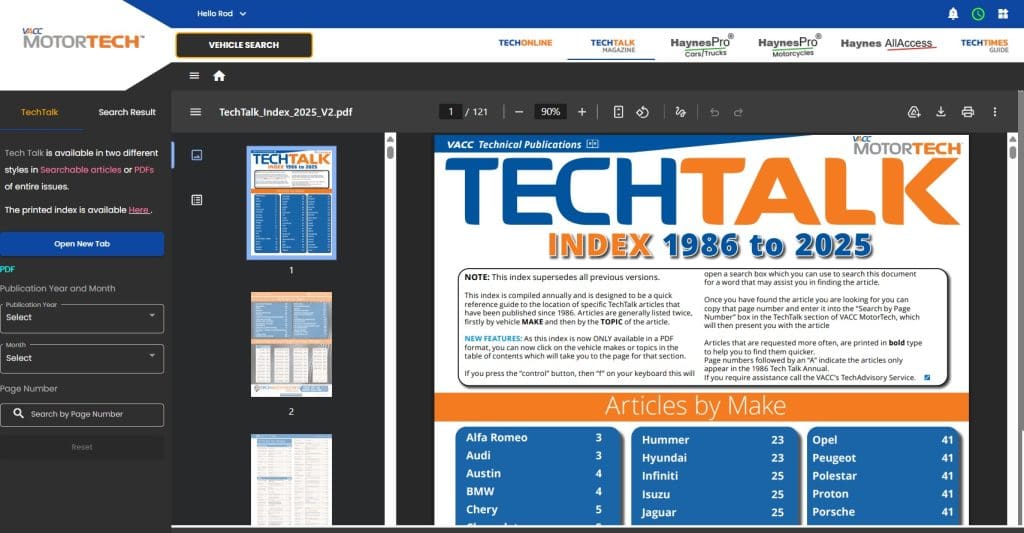
The TechTalk Index
At the end of each year, we update the TechTalk Index, which lists all articles by vehicle and category since 1986, so the individual articles can be found in a few different ways. First, the table of contents in the index links to the pages for the different vehicle makes and categories sections. If you click the name of the vehicle manufacturer (like Ford) or category (like SRS), you will be taken to that page so you can browse the available articles.
A faster way is to use your web browser’s search feature. If you click the “Control” (Ctrl) button in the bottom left corner of your keyboard (this is the Command key on Apple), then the letter “f” will bring up the “Find Text” feature. You should now see a box on your screen. If you type in a word like “bearing”, it will find all of the examples of the word bearing, and you can use the arrows to assist you in finding the one you want. This feature is excellent for quickly finding articles by entering fault code numbers, like P0171 or P0016
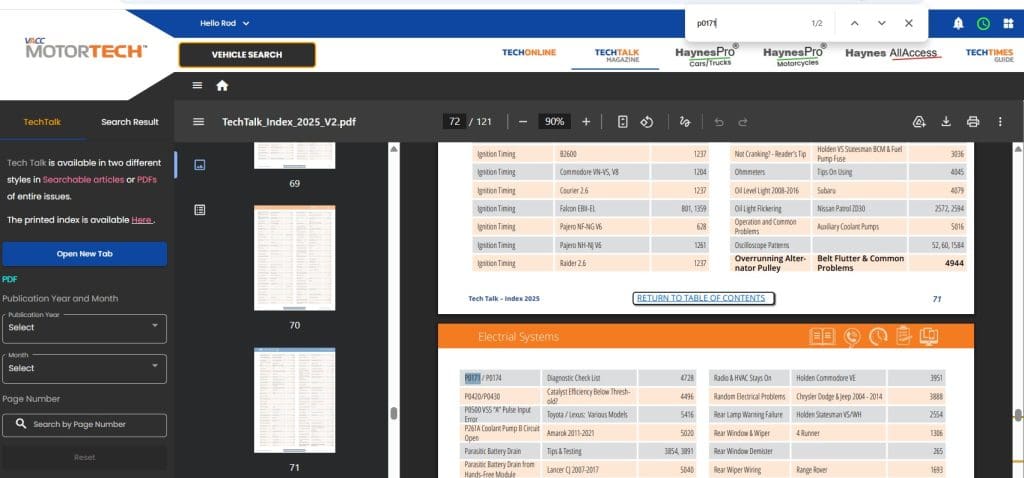
Search By Page Number
Every TechTalk article has a unique page number. Once you have found the article you want to read, you will need to enter the page number into the “Search By Page Number” box in the left-hand column of the page. Once entered, the system will search the page number and return the results so you can click on the one you want. This will then open the PDF of the article.
Search By Year and Month
Another way to search is to use the Publication Year and Month search boxes in the left-hand column. Once a year and a month have been selected from the drop-down menu, all of the article titles for that issue will be displayed for you to select the one you want, and the PDF version will be displayed.
This method is a great way to work through the back issues of TechTalk to deepen your knowledge, which could help you, your technicians, and apprentices diagnose and repair more cars faster.
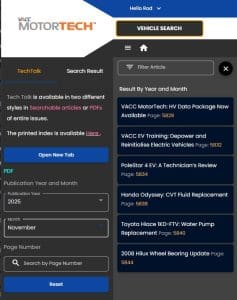

Access to TechTalk Articles
If you would like to know what we have covered in TechTalk over the past 40 year the latest version of the TechTalk Index is attached to this blog for you to look through, save to your computer or print out as a hard copy. But it is now 121 pages long
If you would like to receive current issues of VACC TechTalk magazine, hard copies and electronic versions are available as part of VACC and TACC memberships. TechTalk is also available with all levels of VACC MotorTech subscriptions, with the added benefit of searching and accessing all past issues.
For more information, call VACC’s TechAdvisory Service on 1300130116
